How do I set up the accounting settings?
Tað finst einki svar upp á hendan spurningin, ið er relatert til nýtsluna av holdsport frá appini.
Go to Settings → Club settings
- Click Settings in the bottom left corner
- Click on Club settings
- Then click on Finance and Accounting
- Next you need to turn on these 2 features:
- Posting with payment date
- Reconcile automatically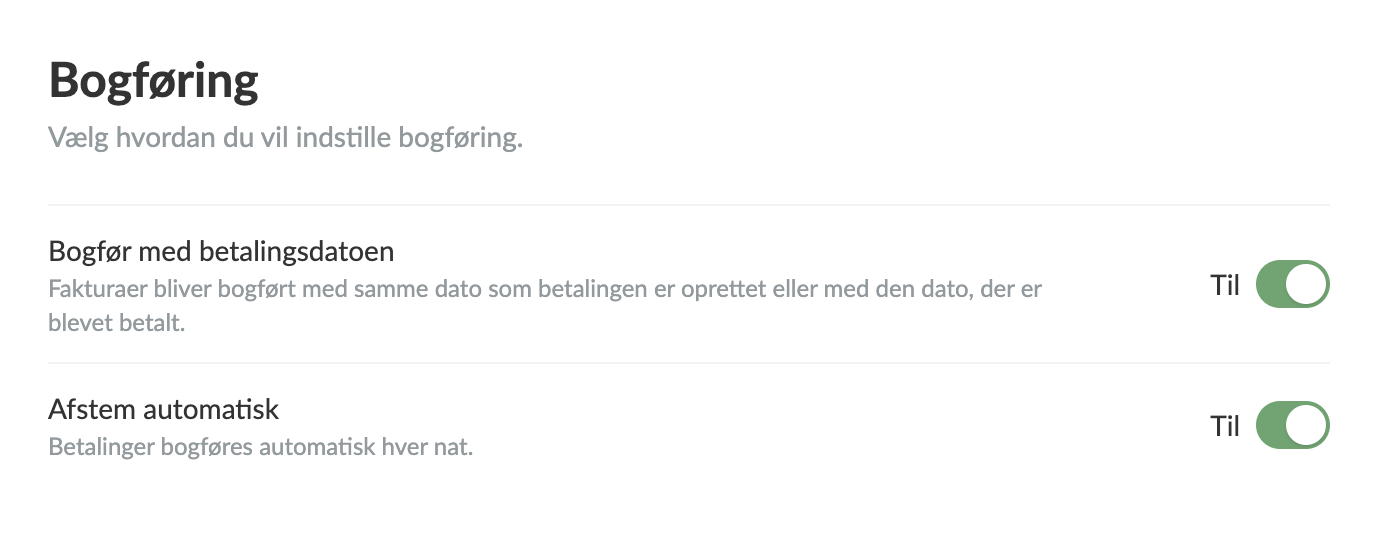
- Next, go to the Accounts tab and define your bank accounts with holding accounts in the chart of accounts.
- Also select a start date for when the automatic posting should begin.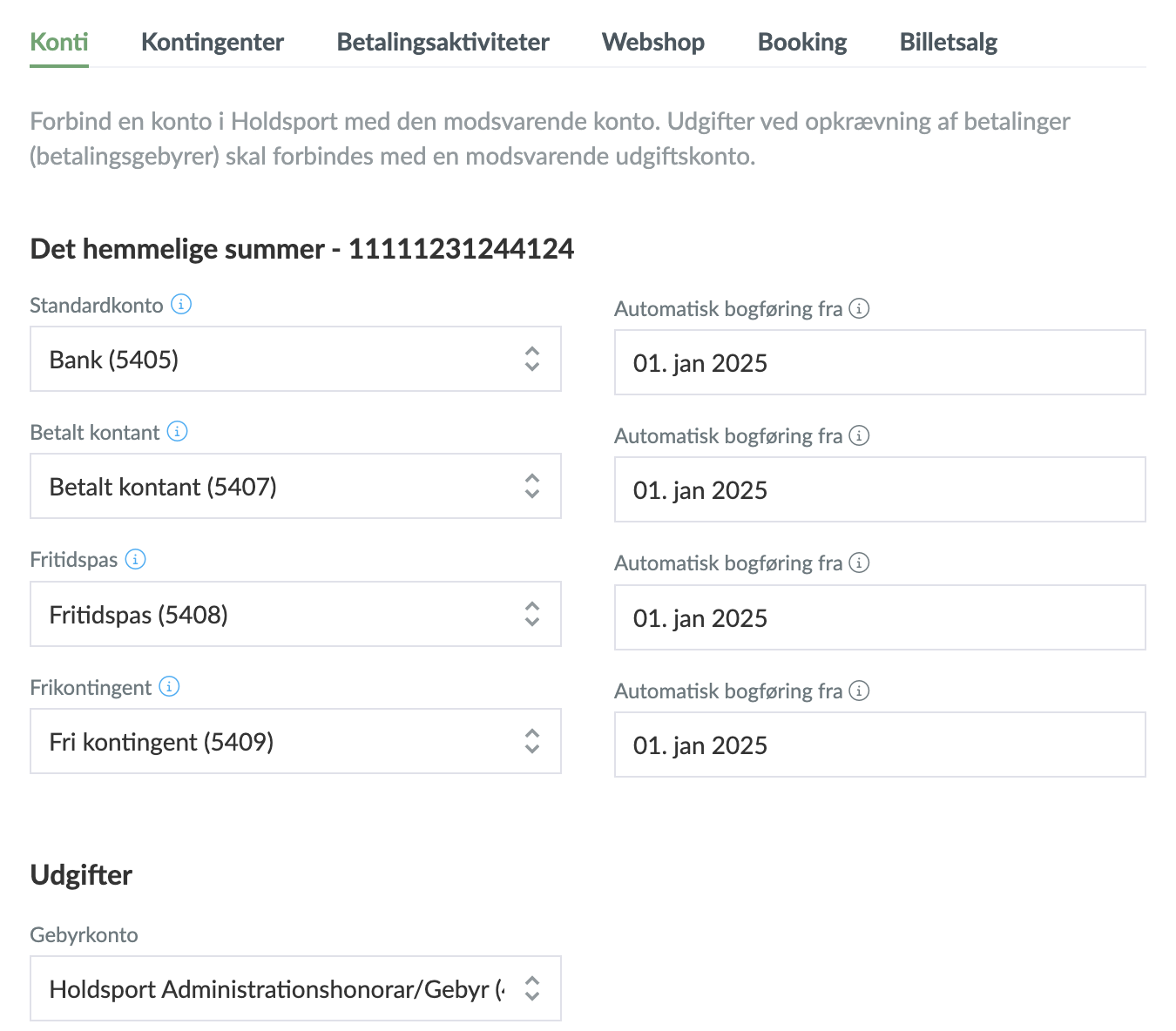
- Next, go to the Memberships, Payment activities, Online shop, Booking and Ticket sales tabs and link the products you have previously created to the relevant charges.
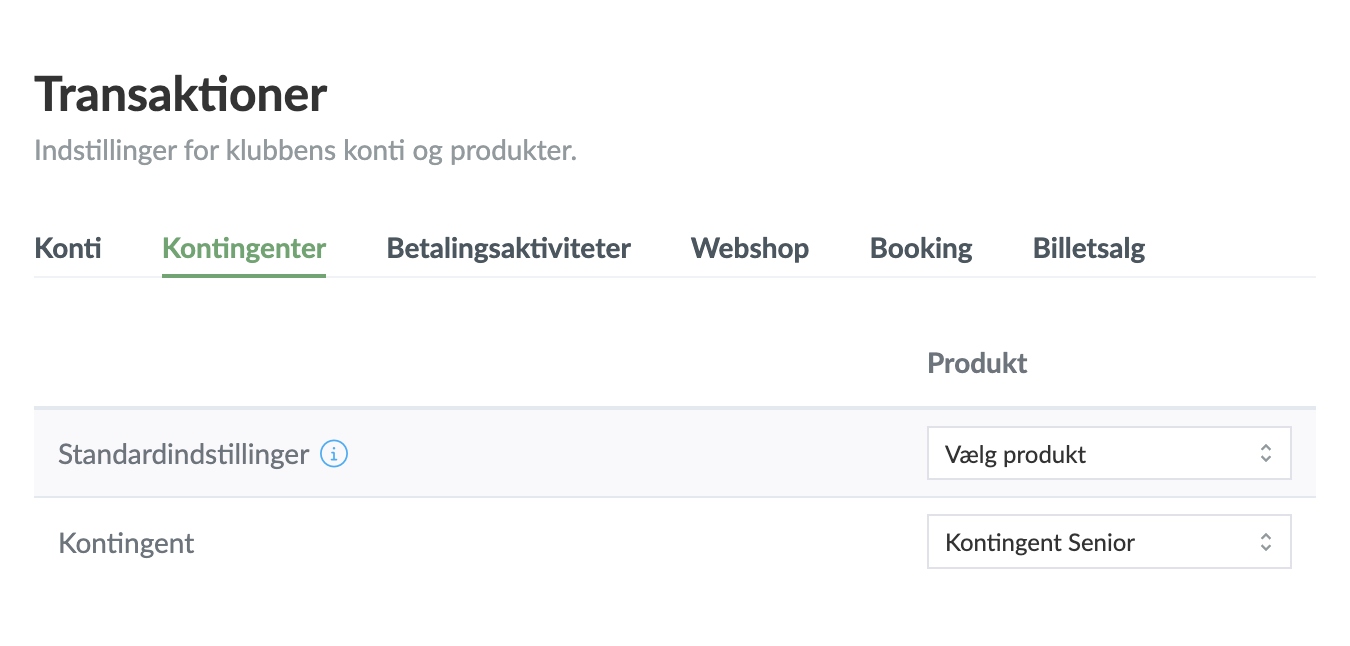
- Then click the green Save button
NOTE: You only need to fill in the tabs that you actually use. If you don't use a specific feature in SportMember, you can leave the corresponding tabs empty.
Var henda greinin brúkilig?
0 av 0 halda hetta var brúkiligt