How do I change the receipt email members receive when requesting a team?

How does receipt email work?

- New potential members receive a confirmation email


- The email is sent immediately upon request to a team in your club - NOT a creation in your club


- Applies to both requests from the club's website or from the SportMember.co.uk homepage


- Team requests end up in the waiting list, from where you can accept the request


- Before the request is accepted, the member is created in the club on SportMember
Tað finst einki svar upp á hendan spurningin, ið er relatert til nýtsluna av holdsport frá appini.


Open Club Settings and Teams

  1. Click on  in the bottom left corner
  2. Click on Club Settings
  3. Click on Team on the left
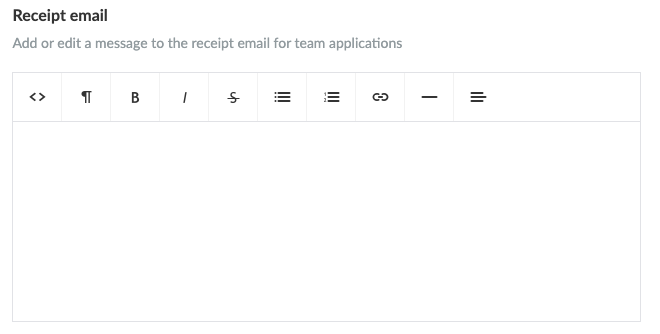
  4. Define a text for Receipt mail
  5. Finish with the green Save button

  • TIP: It is recommended to add a few links in the receipt email inviting the members to download the SportMember app on either the App Store or Google Play depending on which smartphone they own


Var henda greinin brúkilig?
0 av 0 halda hetta var brúkiligt

Klar til at koma í gongd?

Kanna holdsport, ella stovna ein kontu beinanvegin og byrja at umsita títt felag. Tú kanst eisini seta teg í samband við okkum fyri at fáa hjálp við uppsetingini av tínum felag.
Hvat kostar tað?
Hvørjar tørvir hevur títt felag? Basis ella PRO hald?
Prísir
Funku yvirlit
Einki 2 feløg eru eins. Okkara funkur dekka tín tørv.
Funku yvirlit