How do I change a member's profile picture?
Go to Members
- Press at the bottom of the screen
- Press at the bottom right
- Press Edit member
- Find and select the member you want to edit by pressing
- Press at the top of the profile picture
- Select Take Picture (from your smartphone) or Select from Library (from your smartphone)
- Save the action
Go to Members
- Click on Members on the left.
- Find and select the member you want to edit.
- Click on the next to their name unter the column Actions.
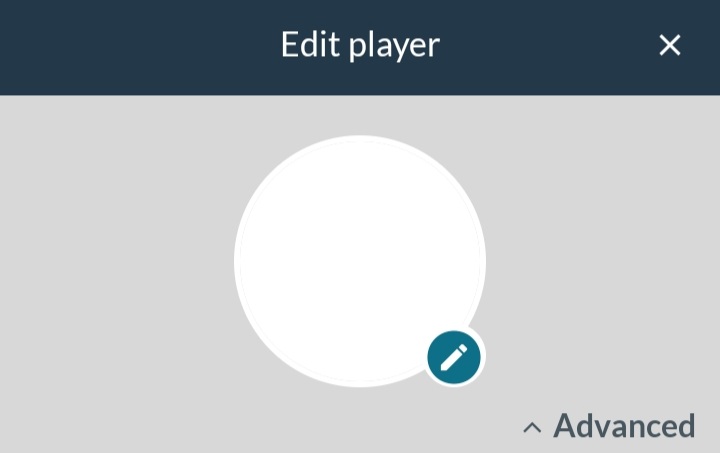
- Click on unter the profile picture.
- Select the file you want as a picture and upload it.
Var henda greinin brúkilig?
0 av 0 halda hetta var brúkiligt