How do I create a team?
Download the SportMember app and Create a team
- On the app homepage, press Create profile (when you are NOT logged in)
- Enter your first name, last name, email address and phone number
- Choose a username (must be unique) and a password
- Accept all terms and press Create profile
- Select Create a team
- Define team name and press Continue
- Choose the sport for your team
- Invite members to the team immediately or press Skip to do it later
Note: It is the team itself you are creating now here. You automatically become the coach of the team.
Go to SportMember.co.uk and Create a team
- After creating a profil, click on My team in the right corner
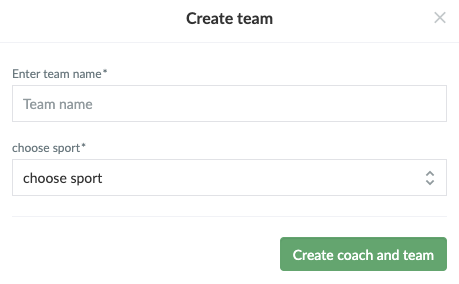
- Click on + CREATE TEAM
- Define a team name and select the sport.
- Finish with the Create coach and team button
Note: You will automatically become the coach of the team.
Var henda greinin brúkilig?
1 av 1 halda hetta var brúkiligt