How do I upload photos and video to my team?
Go to Gallery
- Press at the bottom right
- Press GALLERY
- Press at the bottom right
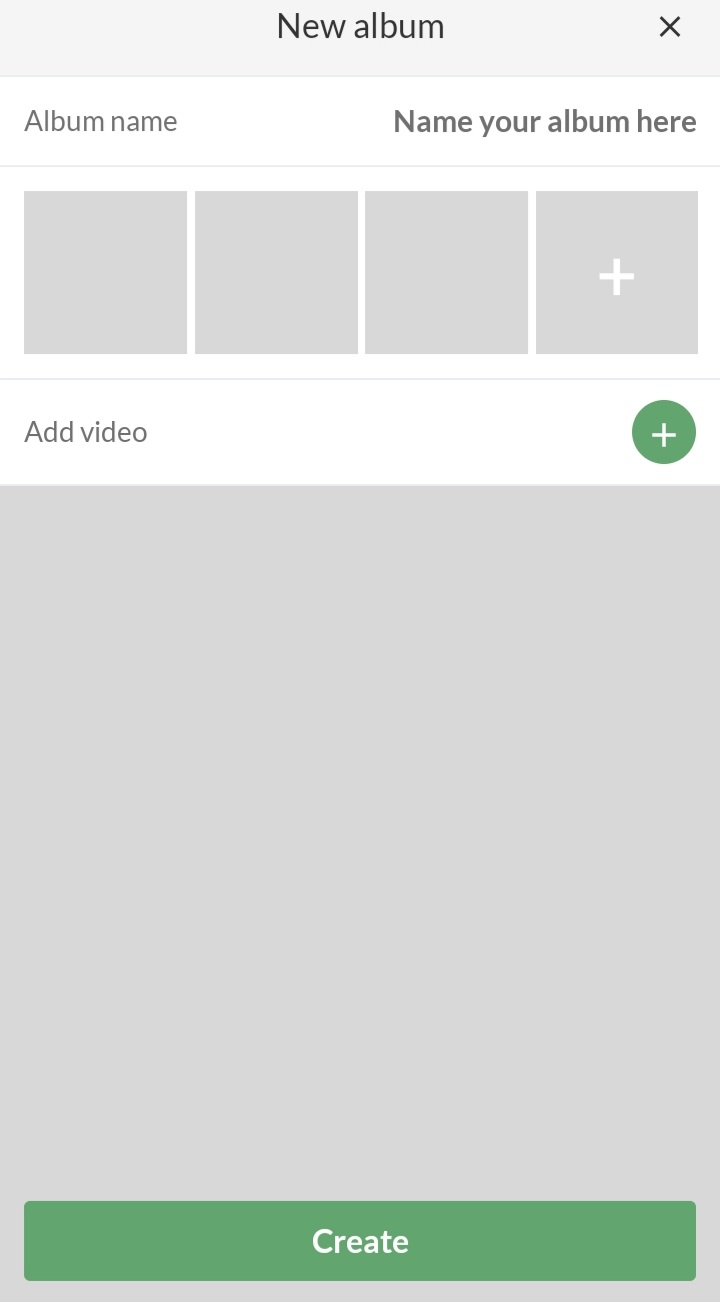
- Enter the album name
- Give SportMember permission to access files/media/photos on your device
- Add video at the bottom by clicking on the green
- Finish with the green button Create
Go to Gallery
- Click on on the left
- Click on GALLERY
- Click on the green button Create album (if no album has already been created)
- Enter the name of the album
- Click on the album
- Click on the green button Upload and then Upload photos
- Select image (PNG or JPG)
- Clicking on Upload will also allow you to upload videos
Var henda greinin brúkilig?
0 av 1 halda hetta var brúkiligt