How do I disable automatic payment?

Membership fee payment on SportMember

- Pay membership fees to the club directly via your SportMember app with a credit or debit card


- Activate automatic payment so you don't have to pay your membership fees manually.


- Avoid reminders


- If you leave the club, automatic installment payments will stop by themselves
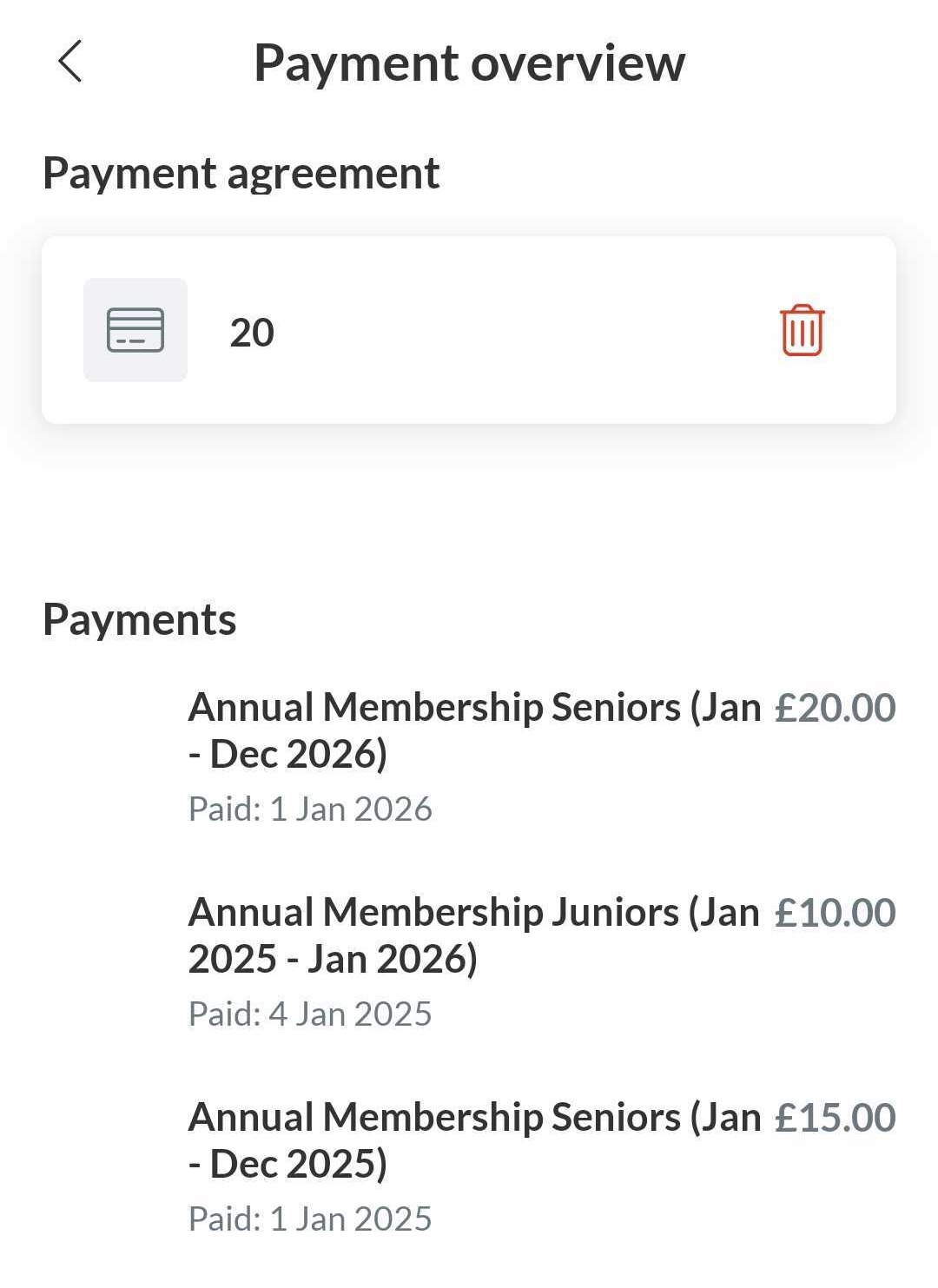

From the app, you can delete your payment method to disable automatic payments


  1. Press Menu in the right down corner
  2. Then press Settings and Payment overview
  3. Then press the red dustbin icon to remove your payment method


You will no longer be charged automatically.


Note: you have to do it from the profile that is connected as a member to the club (not from the parent profile)


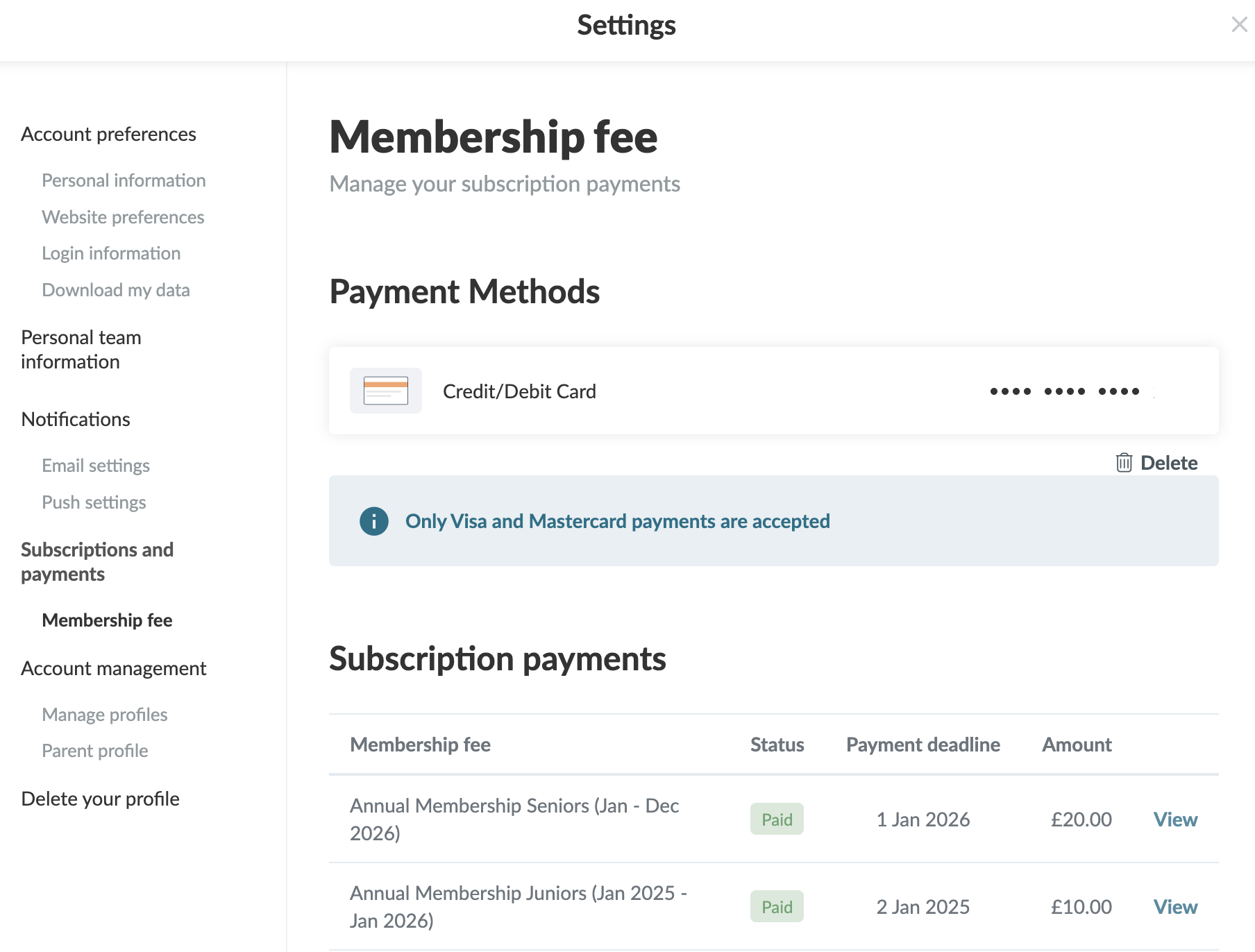
From your settings, you can delete your payment method for automatic payments

  1. Click on  Tools and Profile settings in the bottom left corner
  2. Then click on Membership fee
  3. Click on Delete to remove your payment method

You will no longer be charged automatically


Note: you have to do it from the profile that is connected as a member to the club (not from the parent profile)

Var henda greinin brúkilig?
1 av 1 halda hetta var brúkiligt

Klar til at koma í gongd?

Kanna holdsport, ella stovna ein kontu beinanvegin og byrja at umsita títt felag. Tú kanst eisini seta teg í samband við okkum fyri at fáa hjálp við uppsetingini av tínum felag.
Hvat kostar tað?
Hvørjar tørvir hevur títt felag? Basis ella PRO hald?
Prísir
Funku yvirlit
Einki 2 feløg eru eins. Okkara funkur dekka tín tørv.
Funku yvirlit